Issue No. 01 — Squarespace 7.1 Template

$299.00

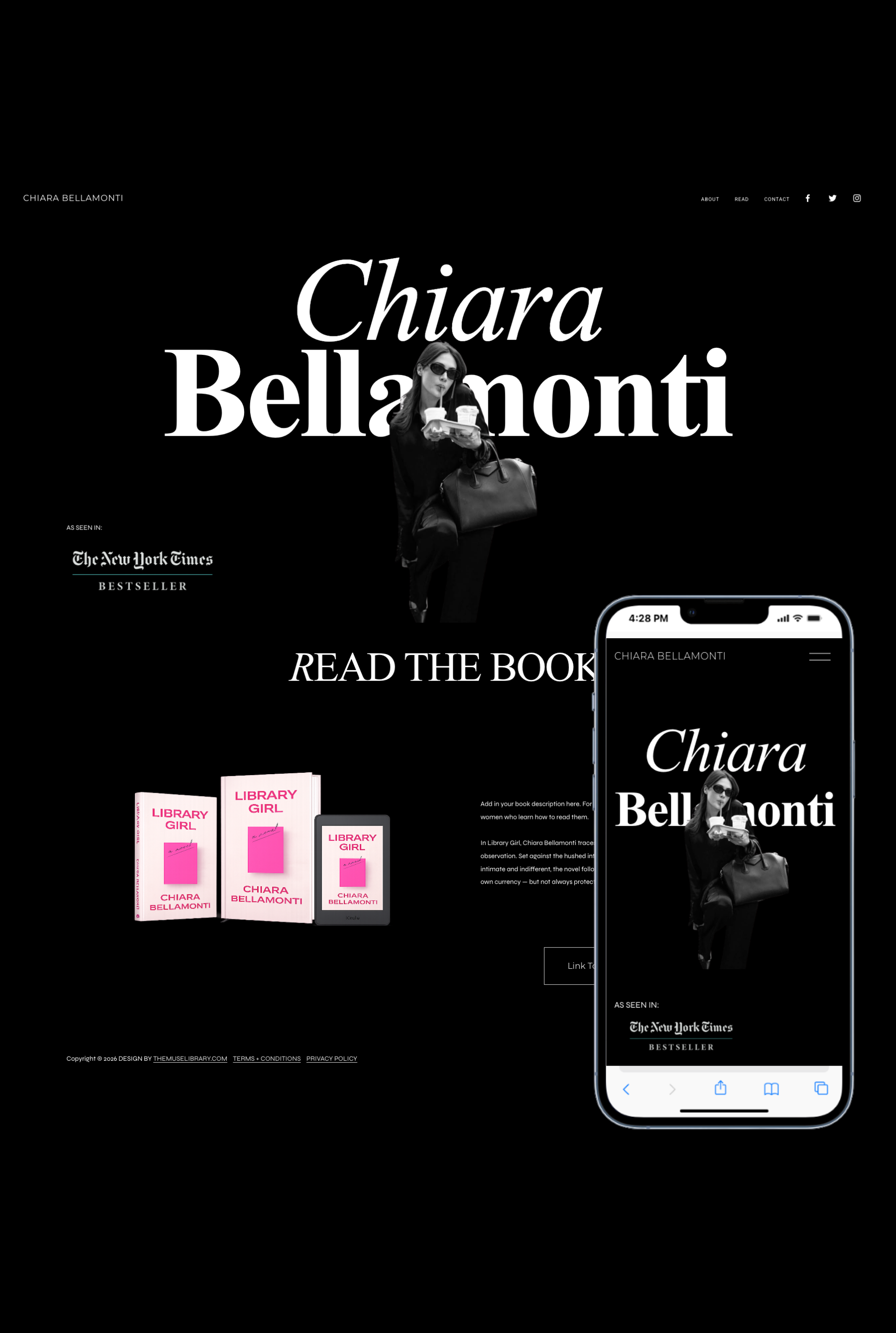
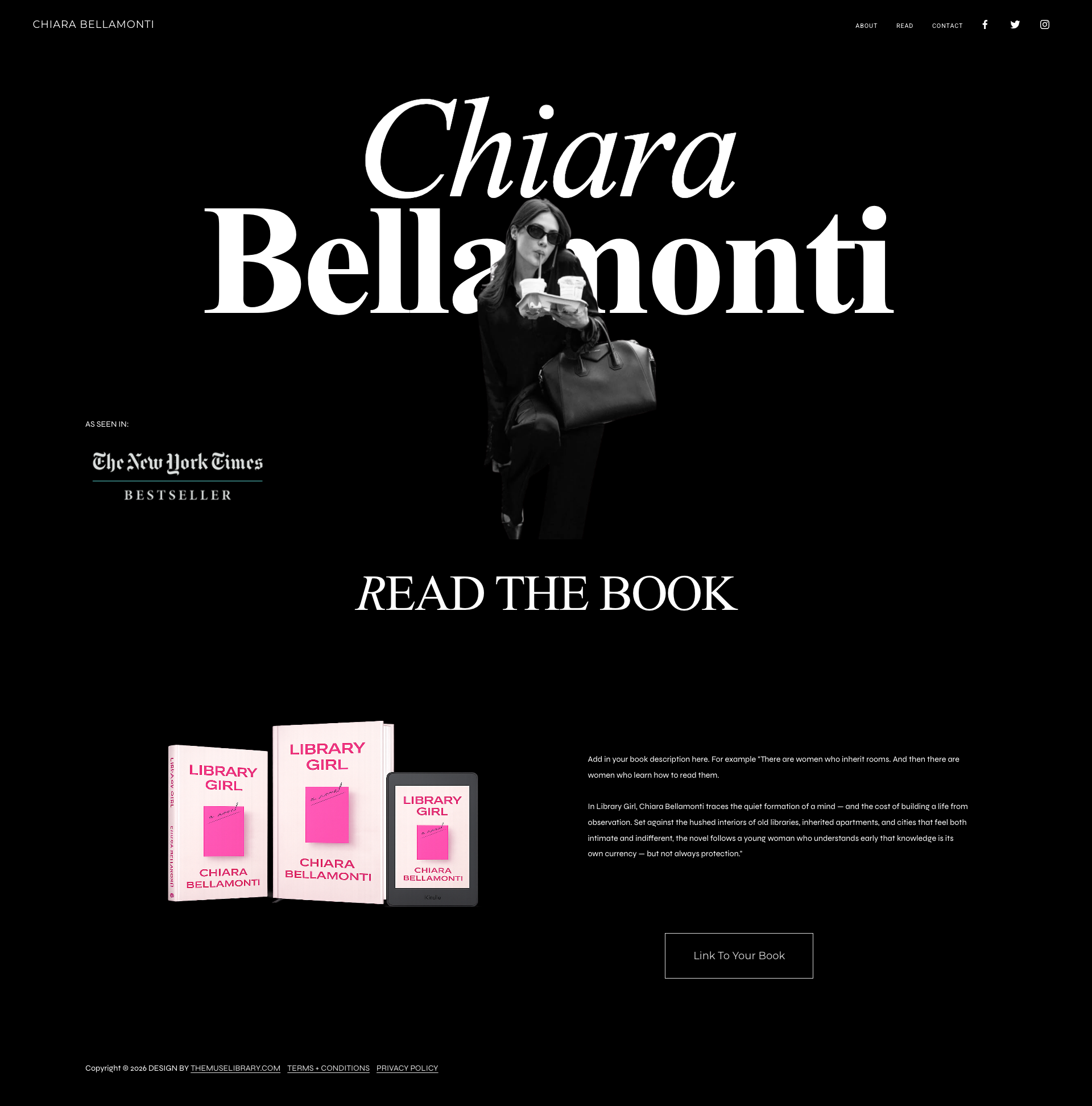
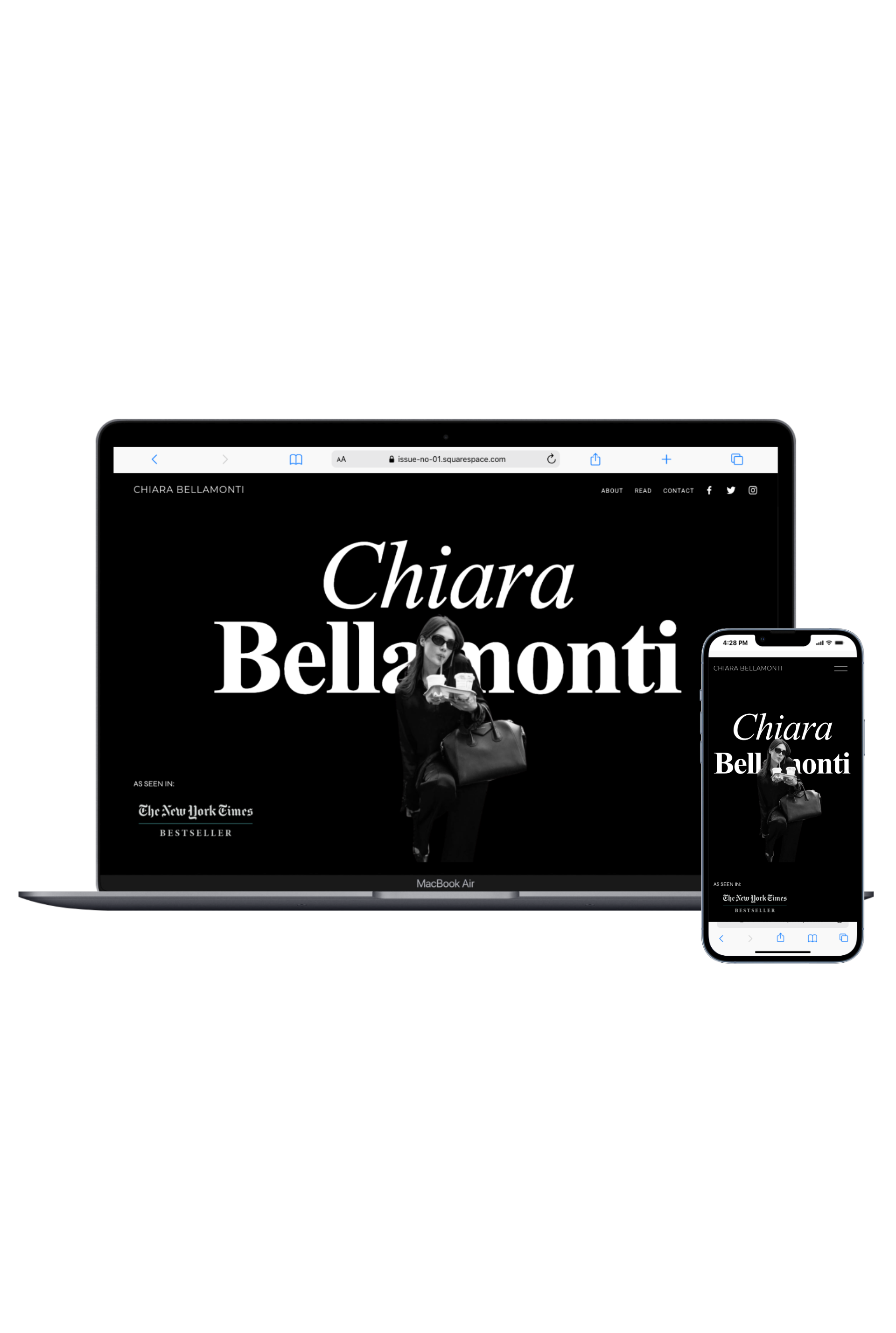
Issue No. 01 — a bold, editorial Squarespace 7.1 website template designed for self-published authors who want their name to read like a headline.

Built for writers who understand that presence is part of the work. High contrast. Intentional typography. A homepage that feels less like a résumé and more like a statement.

Think: New York. Literary minimalism.

Included

  • Fully customizable author website template

  • Template Style Guide — a Instant digital download, step-by-step walkthrough for installing, customizing, and refining the site to feel distinctly yours.

  • Striking, editorial-style Homepage

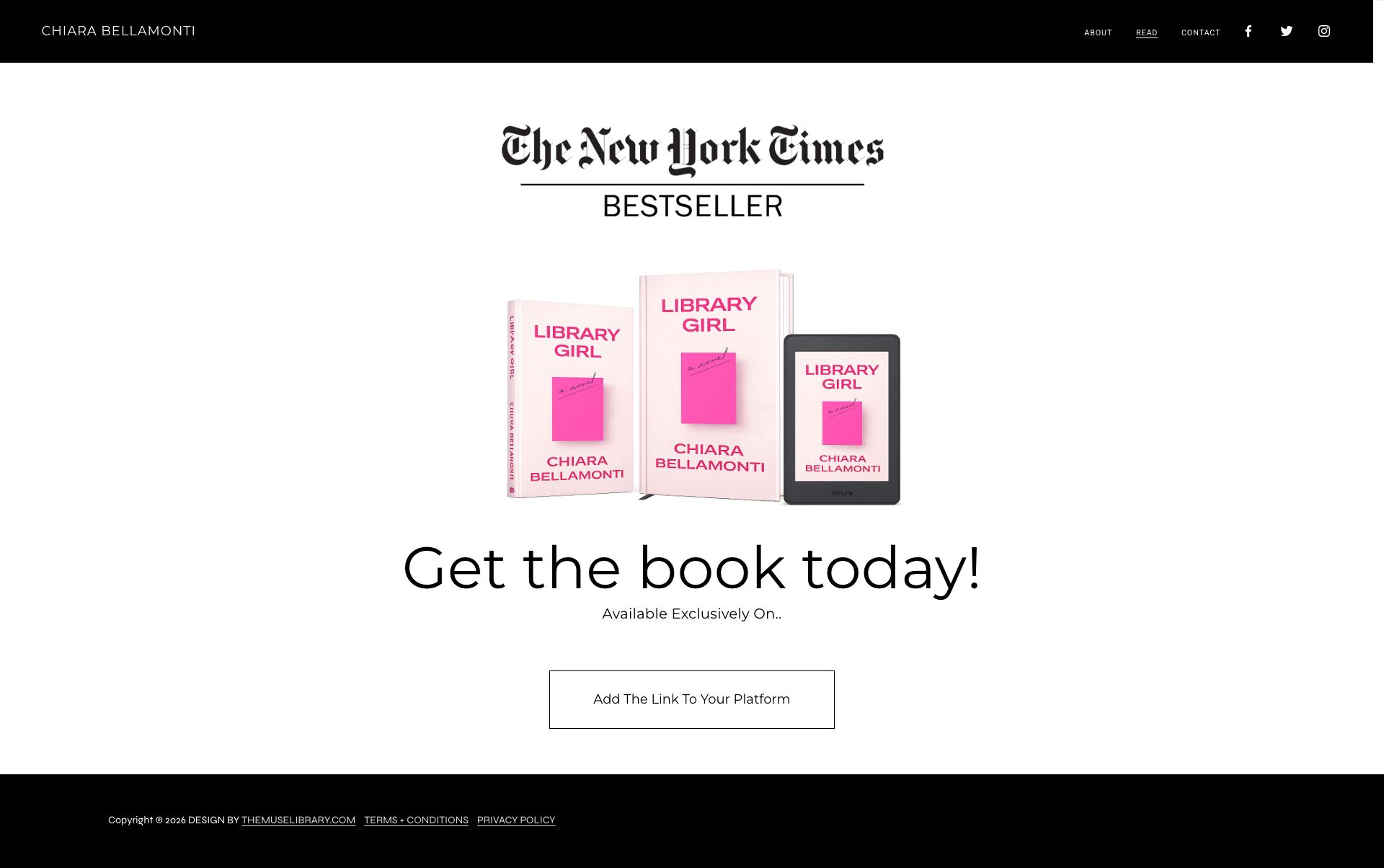
  • Read — a product display page + buy links

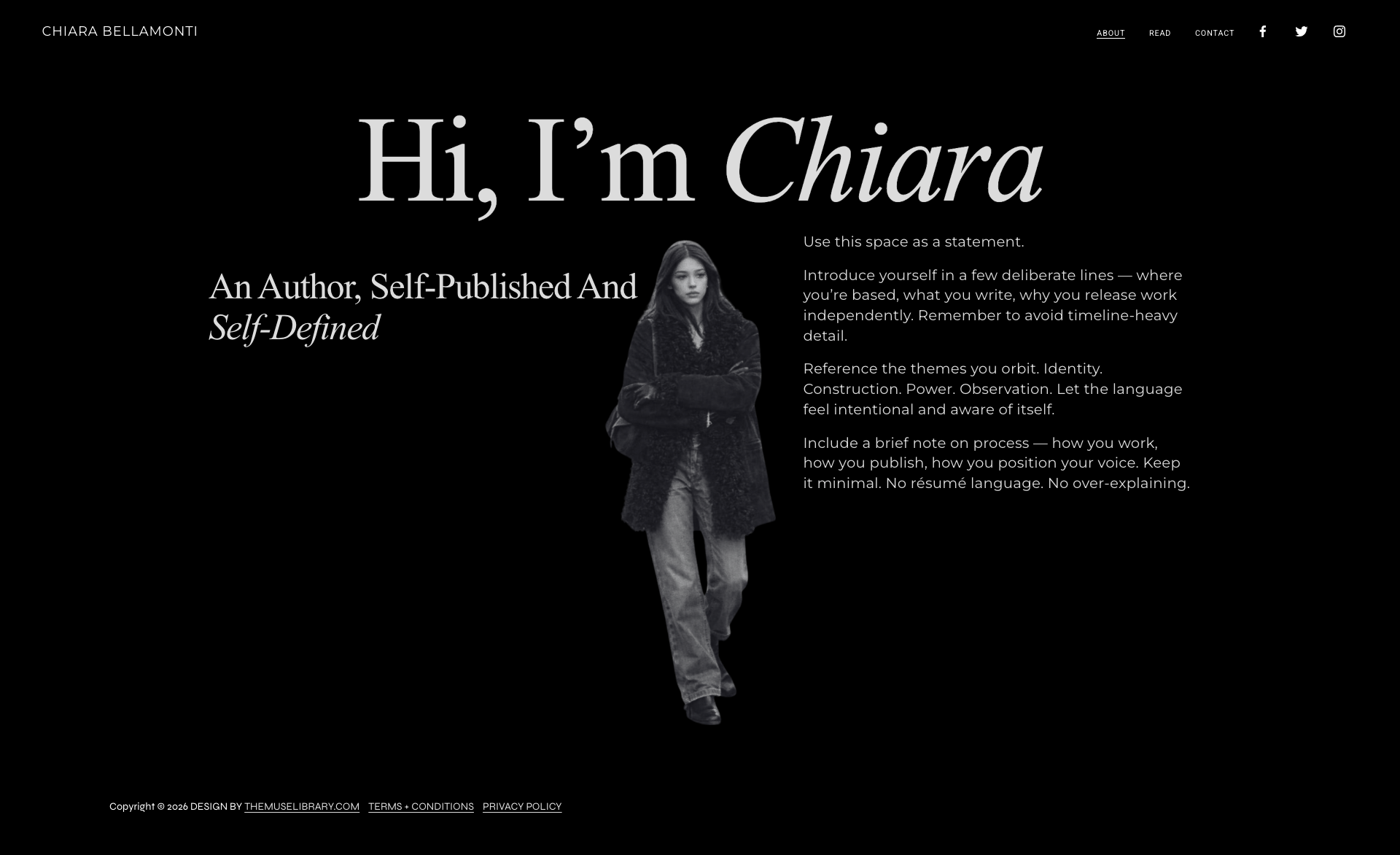
  • Elevated About page with space for voice, not biography overload

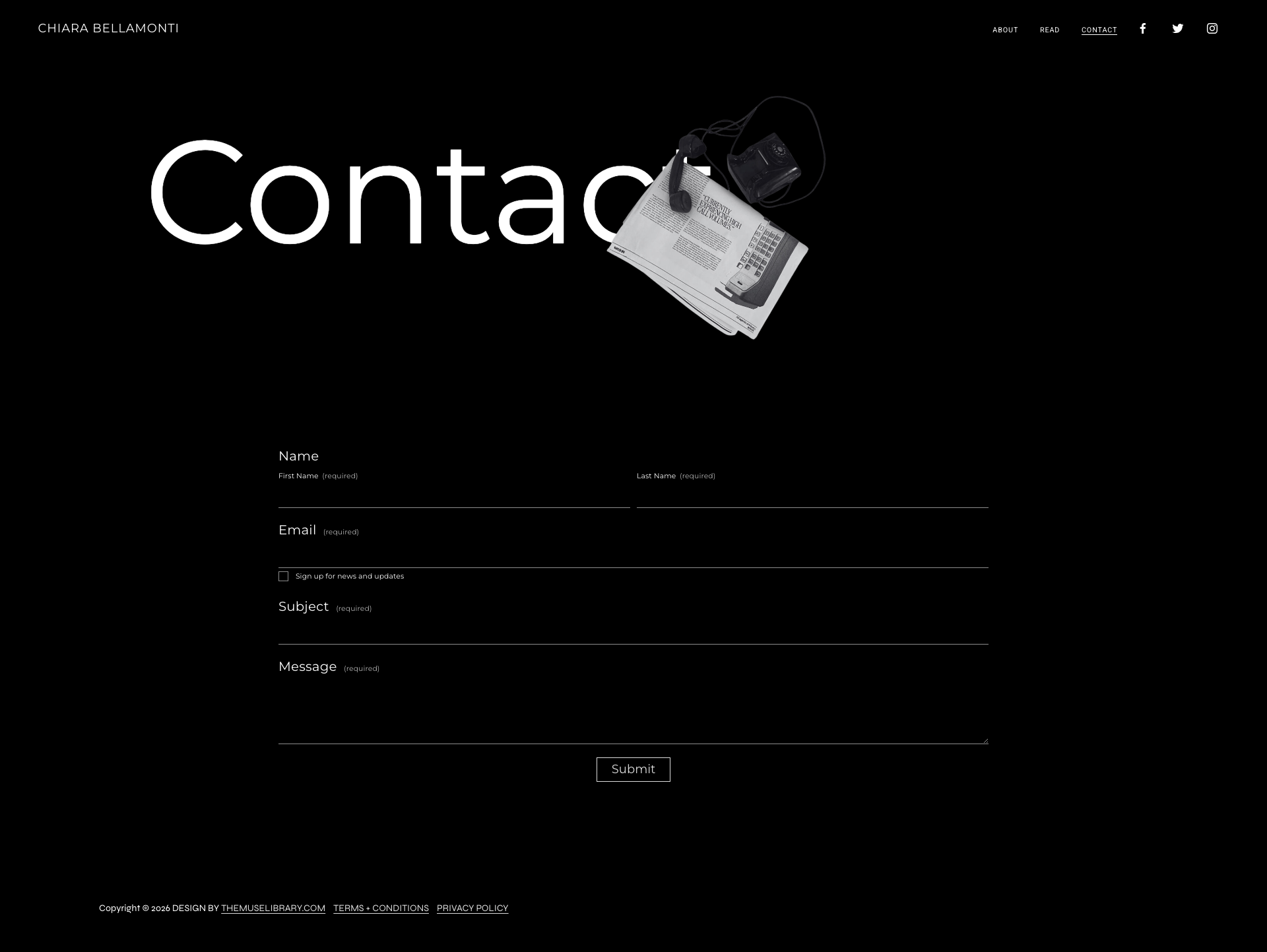
  • Minimal, design-forward Contact page

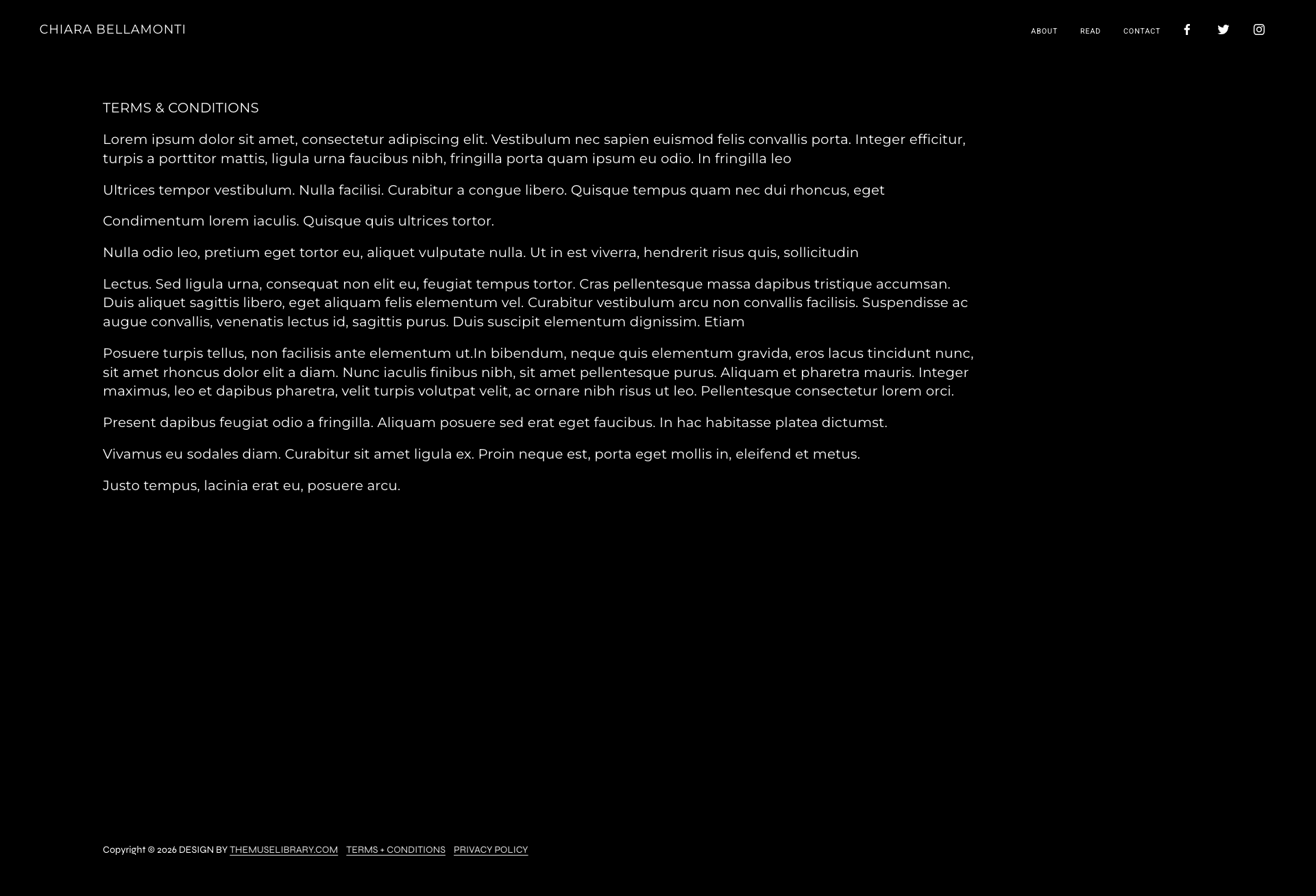
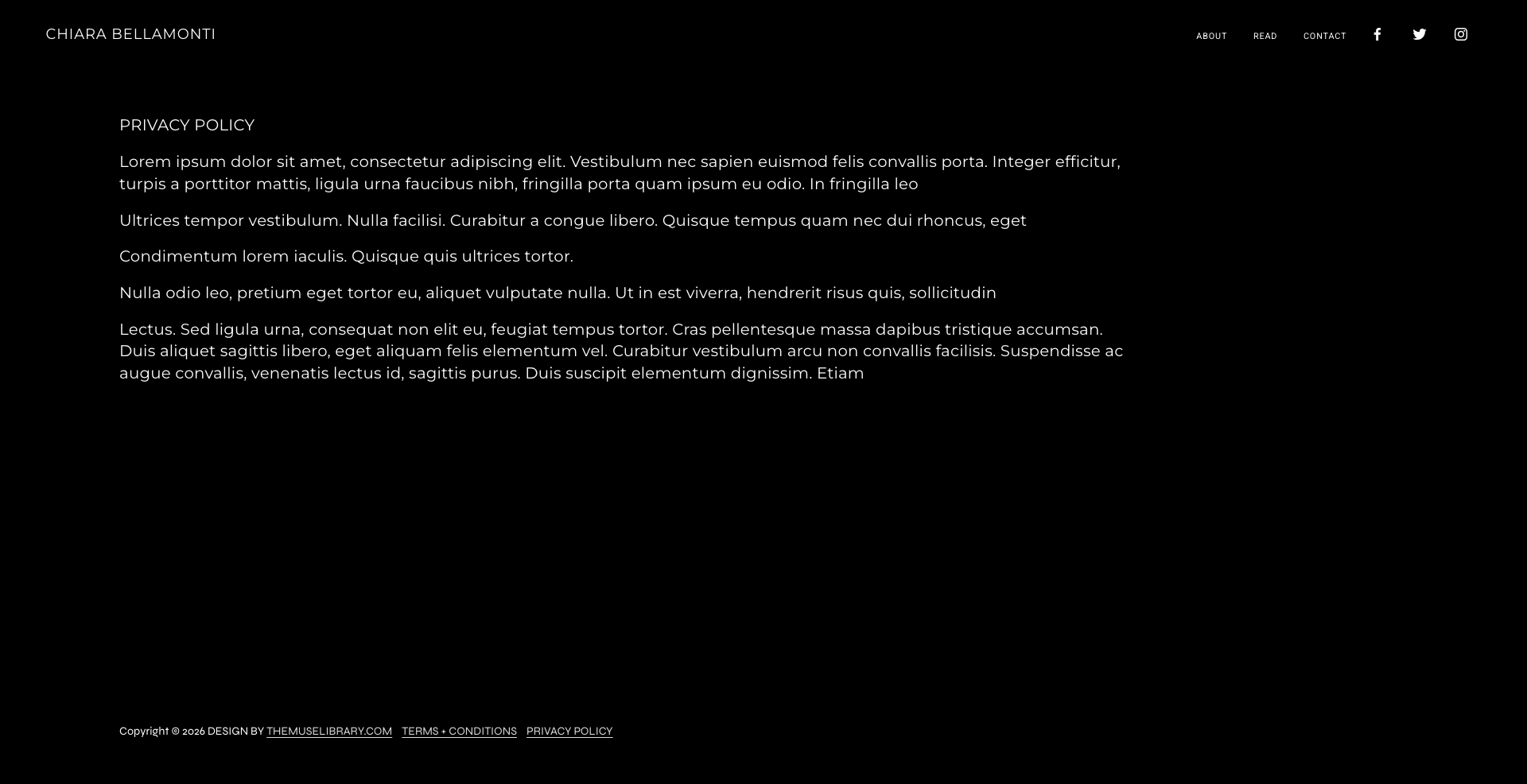
  • Customizable Terms of Use + Privacy Policy pages

  • Digital template license

Issue No. 01 — a bold, editorial Squarespace 7.1 website template designed for self-published authors who want their name to read like a headline.

Built for writers who understand that presence is part of the work. High contrast. Intentional typography. A homepage that feels less like a résumé and more like a statement.

Think: New York. Literary minimalism.

Included

  • Fully customizable author website template

  • Template Style Guide — a Instant digital download, step-by-step walkthrough for installing, customizing, and refining the site to feel distinctly yours.

  • Striking, editorial-style Homepage

  • Read — a product display page + buy links

  • Elevated About page with space for voice, not biography overload

  • Minimal, design-forward Contact page

  • Customizable Terms of Use + Privacy Policy pages

  • Digital template license

  • Once purchased, you'll receive an instant digital download with your Template License And Style Guide — a beginner-friendly walkthrough that teaches you exactly how to use your new site.

    Within 24 Hours

    You'll receive an email invitation granting access to your brand-new Squarespace site.
    Click accept → log in (or create an account)→ and your Muse Library template appears in your dashboard, ready for you to make it yours.

  • Inside the guide, you’ll learn (with screenshots + Muse Library tips):

    • how to access your template on Squarespace

    • how to navigate the dashboard (pages, styles, assets, SEO, and more)

    • how to swap in your own images + text

    • how to update fonts, colors, and buttons

    • how to build additional pages using Squarespace’s structure

    • pro tips, quick links, and shortcuts to make editing easy

    It’s the “no-stress, no-guessing” manual that gets you confident inside Squarespace fast.


DEMO PAGES